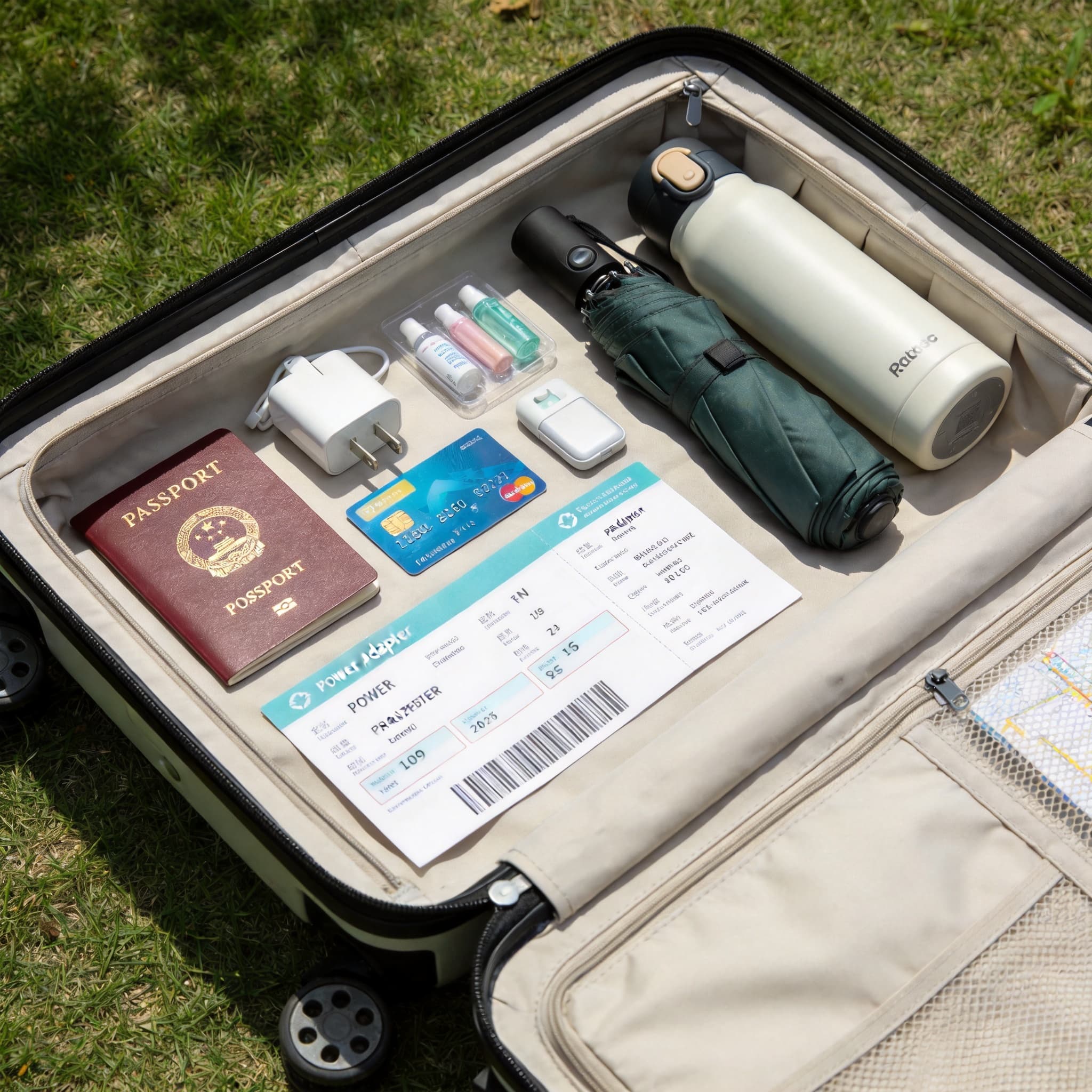
Paying in China is easier for international visitors than it used to be, but the payment system may still feel unfamiliar. Mobile QR payments dominate everyday spending, while international bank cards, renminbi cash and the digital yuan remain useful alternatives.
The best strategy is to prepare several payment methods before arriving: install Alipay and WeChat, link at least one international card, carry the physical card and keep a modest amount of RMB cash for emergencies. E-CNY is worth trying if you are interested in China’s digital currency, but most short-term visitors will find Alipay or Weixin Pay more practical.
Quick recommendation: Use Alipay or Weixin Pay for daily purchases, a physical international card for hotels and larger merchants, and RMB cash as an offline backup. Do not depend on only one app or one card.
Payment Methods at a Glance
| Method | Best for | Main advantage | Main limitation |
|---|---|---|---|
| Alipay / Weixin Pay | Restaurants, shops, taxis, local transport and attractions | Convenient and widely used for QR payments | Requires app setup, internet access and successful card verification |
| International bank card | Hotels, airports, department stores and major attractions | Familiar and straightforward where accepted | Direct card acceptance is less common at smaller merchants |
| RMB cash | Emergencies, small purchases and places with connectivity problems | Works without a phone or internet connection | Getting exact change may be difficult, and some automated services are designed around apps |
| E-CNY | Travellers who want to use a separate digital-yuan wallet | China’s official digital currency with an international-user setup route | Requires another app and may be less familiar than Alipay or Weixin Pay |
1. Paying with International Bank Cards
International bank cards can be used in China, but acceptance varies considerably by merchant.
Visa, Mastercard, UnionPay, American Express, JCB, Diners Club and Discover cards may be accepted by certain merchants or connected to supported Chinese payment apps. Directly inserting, tapping or swiping an international card is most likely to work at:
- International hotels
- Airports
- Large shopping centres
- Department stores
- Major tourist attractions
- Higher-end restaurants
- International retail chains
Look for your card network’s logo at the register before paying. Overseas-issued UnionPay cards generally have especially broad compatibility with mainland Chinese payment terminals.
Before You Travel
- Confirm that your card supports international and online transactions.
- Tell your bank that you will be travelling in China if it still requires a travel notice.
- Make sure your bank has your current mobile number for verification codes.
- Check the card’s foreign-transaction, ATM and cash-advance fees.
- Bring cards from two different networks or issuers if possible.
- Save the card issuer’s international support number somewhere other than your wallet.
- Confirm that you will be able to receive security messages while abroad.
Important Limitations
A merchant displaying an Alipay or Weixin Pay QR code does not necessarily accept a foreign card directly through a card terminal.
A card that works at an international hotel may fail at:
- A small café
- A family-run restaurant
- A market stall
- A local taxi
- A convenience kiosk
- A small attraction or ticket counter
This is why linking an international card to a Chinese mobile-payment app is often more practical than carrying the physical card alone.
If a transaction is declined:
- Ask whether another card network is accepted.
- Try paying through Alipay or Weixin Pay.
- Use a second card from another issuer.
- Pay with RMB cash if available.
- Contact your bank if the card appears to have been blocked.
Avoid repeatedly retrying the same failed transaction, as multiple attempts may trigger additional fraud controls.
2. Mobile Payments: Alipay and Weixin Pay
QR-code payment is central to everyday commerce in China. Mobile wallets are commonly used for restaurants, convenience stores, shopping, taxis, public transport, attraction tickets and many other routine expenses.
International visitors can generally register for Alipay or WeChat with an overseas mobile number and link a supported international debit or credit card.
There are two common ways to pay:
- Scan the merchant’s QR code. Open the app, tap Scan, scan the merchant’s code, enter the amount if required and confirm the payment.
- Show your payment code. Open the app’s payment page, display your personal payment code and let the cashier scan it.
Always check the merchant name and transaction amount before confirming.
3. How to Set Up Alipay
Alipay is a strong first choice for international travellers. In addition to payments, the app may provide access to transport services, ride-hailing, attraction tickets and other visitor-oriented functions.
Menu names may change between app versions, but the basic setup process is usually:
- Download the official Alipay app from your device’s app store.
- Register with a mobile number that can receive verification messages.
- Complete identity verification when prompted, normally using your passport.
- Open the bank-card section.
- Add an eligible international debit or credit card.
- Complete any security check required by your issuing bank.
- Make a small test purchase before relying on the app for an important payment.
Enter your identity and card information exactly as requested. Your passport name, cardholder name and account details may need to follow a particular format.
If your card cannot be linked:
- Check that the card supports international online transactions.
- Confirm that your billing information is correct.
- Ask your bank to authorize the card-binding request.
- Try another card.
- Update the Alipay app.
- Contact Alipay support through the official app.
Paying with Alipay
To scan a merchant’s code:
- Open Alipay.
- Select Scan.
- Scan the merchant’s QR code.
- Enter the purchase amount if necessary.
- Choose your linked card.
- Review and confirm the payment.
To let the cashier scan your code:
- Open Alipay.
- Select Pay.
- Display your payment code.
- Let the cashier scan it.
- Confirm the transaction if prompted.
4. How to Set Up Weixin Pay
Weixin Pay, commonly called WeChat Pay in English, is built into the WeChat app.
The usual setup route is:
Me → Pay and Services → Wallet → Bank Cards → Add a Bank Card
An international mobile number can generally be used if it can receive SMS verification codes. Passport holders may be asked to provide passport information or upload a passport image during identity verification.
A linked international card is mainly intended for ordinary merchant purchases in mainland China.
Some functions may not be available to international-card users, including:
- Person-to-person money transfers
- Red packets
- Certain financial services
- Some wallet-balance functions
This means you may be able to pay a restaurant or shop but not transfer money directly to an individual.
Paying with Weixin Pay
To scan a merchant’s code:
- Open WeChat.
- Tap the + symbol or open the scan function.
- Select Scan.
- Scan the merchant’s QR code.
- Enter the amount if required.
- Confirm the transaction.
To show your payment code:
- Open WeChat.
- Go to Me.
- Open Pay and Services.
- Select Money or the relevant payment-code option.
- Let the cashier scan the displayed code.
5. Fees, Limits and Exchange Rates
Do not assume that fees and transaction limits are identical across all apps, cards or account-verification levels.
They may depend on:
- The payment platform
- The transaction amount
- The card network
- The issuing bank
- Your identity-verification status
- The merchant category
- Current platform promotions or policies
Some platforms may waive service fees for smaller purchases and charge a percentage fee when a transaction exceeds a specified threshold. These rules can change, so always check the final confirmation screen before completing a large payment.
Your card issuer may separately charge:
- A foreign-transaction fee
- A currency-conversion fee
- A cross-border processing fee
- An ATM fee
- A cash-advance fee
The exchange rate shown by the payment app may also differ from the final rate used by your bank.
For hotels, major shopping purchases and expensive attraction bookings, review the following before confirming:
- The amount in RMB
- The selected payment card
- Any platform service fee
- The exchange rate or converted amount
- Any message from your bank
6. Mobile-Payment Troubleshooting
If registration, card binding or payment fails, try the following steps:
- Confirm that you downloaded the official app.
- Update the app to the latest version.
- Check that your phone can receive international SMS messages.
- Make sure your passport and cardholder details match the requested format.
- Confirm that international online transactions are enabled on your card.
- Ask your bank to authorize the card-binding or cross-border transaction.
- Try a second card from another issuer.
- Switch between Alipay and Weixin Pay.
- Use a merchant-payment code rather than a personal-transfer code.
- Confirm that mobile data or Wi-Fi is working.
- Check that the app
Advertisement
ChinaTravel Editorial Desk
Maintains practical destination and trip-planning information for English-speaking visitors. Time-sensitive details should be checked with official sources.
Compare Current Trip Options
Check live availability and the provider's current terms before booking.
Compare China Trip OptionsSponsored link — we may earn a commission at no extra cost to you.