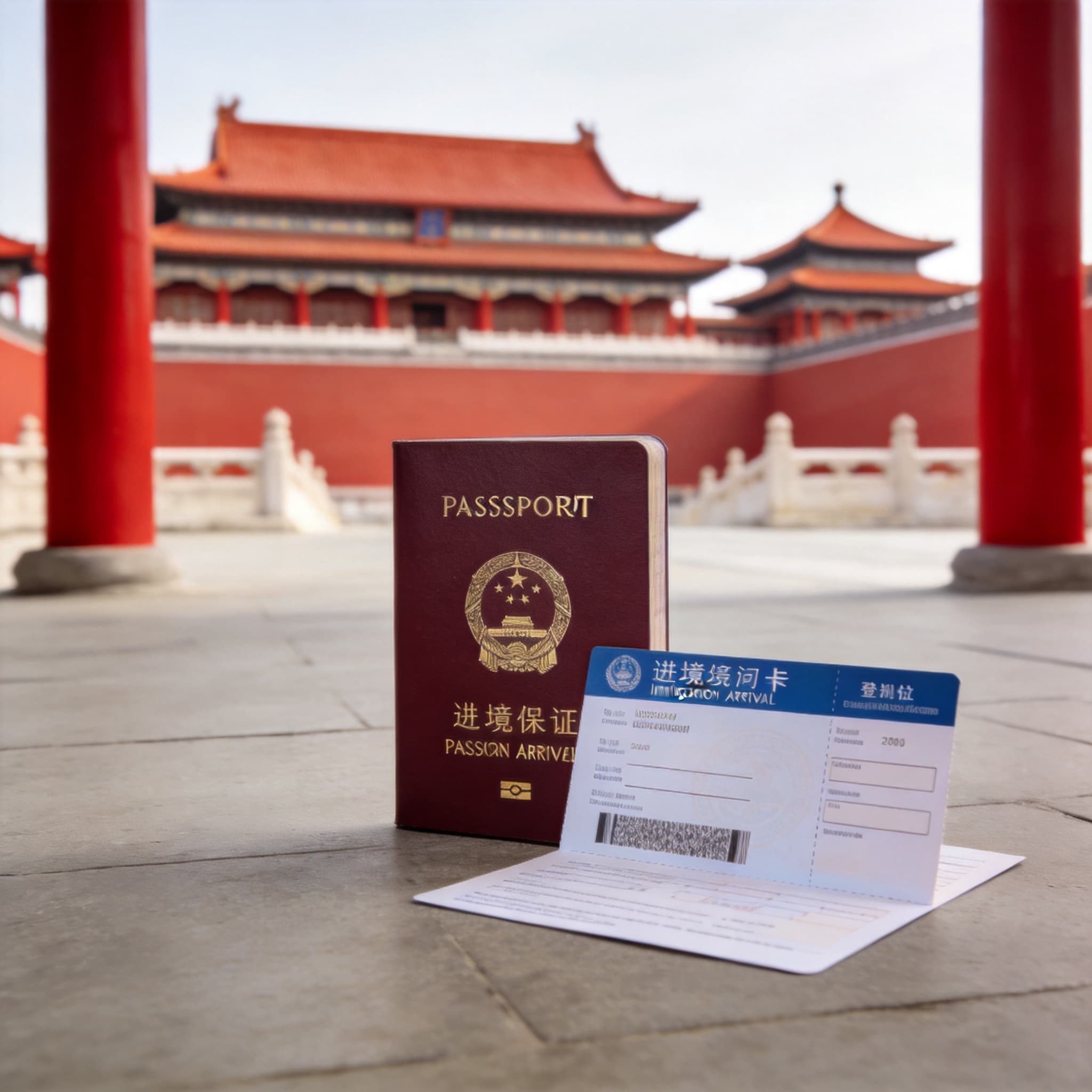
Traveling in China is much easier when your phone is prepared before you arrive. The country has excellent digital services, but its app ecosystem differs from what many international visitors use at home. A familiar map may be unreliable, physical bank cards are not accepted everywhere, and train tickets are linked to your identity document.
The good news is that you do not need dozens of apps. For most trips, a compact toolkit is enough: AMap Global for navigation, a camera-enabled translator plus Pleco for language assistance, Railway 12306 or Trip.com for trains, and Alipay with WeChat Pay as a payment backup.
Quick recommendation: Install and verify your essential apps before departure. Link your bank cards, download offline language packs and maps, and save the Chinese names and addresses of your hotels and destinations.
The Essential China Travel App Stack
| Travel need | Best primary app | Best backup | Why it matters |
|---|---|---|---|
| Maps and navigation | AMap Global | Apple Maps or Organic Maps | Local routing, public transport and destination searches |
| Translation | Apple Translate or another camera translator | Pleco | Conversations, menus, signs and individual Chinese words |
| Train tickets | Railway 12306 | Trip.com | Official fares versus a simpler international booking process |
| Mobile payments | Alipay | WeChat Pay, a physical card and RMB cash | Everyday QR payments with alternatives if one method fails |
| Ride-hailing | DiDi, including the service inside Alipay | AMap taxi service | Easier pickup and destination handling than hailing a taxi on the street |
| Communication | Your regular messaging apps where available | Messaging, payment, customer service and local mini programs | |
| Offline navigation | Organic Maps | Screenshots and saved addresses | Useful when mobile data or live navigation is unavailable |
1. Best Map Apps for China
AMap Global: Best Overall Map for Most Travelers
AMap Global, also known as Gaode Map, is one of the strongest all-round navigation choices for mainland China. Its international version provides an English interface and routes for driving, public transport, walking and cycling.
AMap is especially useful when you need to:
- Find the correct entrance to a railway station, shopping centre or tourist attraction
- Compare metro, bus, walking and taxi routes
- Check estimated journey and arrival times
- Search for nearby restaurants, pharmacies and convenience stores
- Book a ride without explaining the destination verbally
- Identify the nearest metro station or bus stop
- Check local traffic conditions
For better search results, keep the Chinese name and address of every important destination. English searches may work for major landmarks, airports and international hotels, but a Chinese address is more dependable for smaller restaurants, guesthouses and less famous attractions.
Ask your hotel to send its full Chinese name and address before arrival. Save the information as text and as a screenshot so that you can still show it to a driver if your mobile data fails.
Best for: Android and iPhone users who need detailed local navigation, public transport routes and place searches.
Apple Maps: A Convenient Option for iPhone Users
If you use an iPhone, Apple Maps can be a convenient secondary option because it is already installed and follows your device language.
It may be useful for:
- Basic walking directions
- Quick route comparisons
- Finding major landmarks
- Checking approximate travel times
- Getting a familiar overview of a city
However, a local map app will usually provide more detailed information about entrances, businesses and public transport. A practical setup is to use Apple Maps for quick orientation and AMap Global for detailed local routing.
Best for: iPhone users who want a familiar interface with minimal setup.
Organic Maps: Best Offline Backup
Organic Maps is a useful emergency backup when mobile data is weak or unavailable. It supports downloaded maps, offline searches and turn-by-turn navigation for walking, cycling and driving.
Download the necessary regional maps before your flight. Do not wait until you are already in a low-signal area.
An offline map can help you:
- Find your way back to your hotel
- Navigate between saved locations
- Follow walking routes without mobile data
- Check streets and landmarks in remote areas
- Continue basic navigation when roaming fails
However, an offline map cannot replace live public-transport information, current traffic conditions or the richer business listings offered by local apps. Treat it as a safety net rather than your only navigation tool.
Best for: Offline walking, hiking, privacy-conscious travelers and emergency navigation.
What About Google Maps?
Do not make Google Maps your only navigation tool in mainland China. Even if you can access it through international roaming or another connection, its local business information, public-transport details and positioning may be less dependable than those of locally supported services.
Google Maps can still be useful when planning your route before departure, but you should install a functioning local alternative for everyday navigation inside China.
2. Best Translation Apps for China
Apple Translate: Best Built-In Option for iPhone
Apple Translate is useful for short conversations, typed phrases, camera translation and offline use. You can download Simplified Chinese and your preferred language before departure.
Its camera mode is particularly helpful for:
- Restaurant menus
- Street signs
- Ticket machines
- Hotel notices
- Product labels
- Attraction information
- Transport instructions
Before traveling:
- Download Simplified Chinese and your preferred language.
- Enable offline or on-device translation if available.
- Test text, voice and camera translation in airplane mode.
- Save essential phrases in your favorites.
- Take screenshots of important translations in case the app is slow.
Offline translation may be less accurate than online translation, but it remains extremely valuable when mobile data is unavailable.
Camera Translators: Best for Menus and Signs
Whatever phone you use, choose a translation app that provides:
- Camera translation for menus and signs
- Conversation mode for two-way speech
- Offline language packs
- Text-to-speech so another person can hear the Chinese sentence
- A full-screen display that makes translated text easy to show
- The ability to translate text from saved photos
Google Translate, Microsoft Translator or your phone manufacturer’s built-in translation service may be useful if they work with your connectivity setup.
Download offline language packs before entering China rather than assuming every online feature will remain available.
When translating menus, remember that automatic translations can be literal or misleading. If allergies, religious restrictions or medical needs are involved, use a carefully prepared written statement instead of relying only on camera translation.
Pleco: Best Chinese Dictionary
Pleco is more than a general sentence translator. It is a Chinese dictionary designed to help users understand individual words, characters, pronunciation and pinyin.
Pleco is particularly helpful when:
- A machine translation sounds unclear
- You need to check the exact meaning of one character
- You want to show a precise Chinese word to someone
- You are learning basic Mandarin during your trip
- You need pronunciation and pinyin assistance
- A menu contains an ingredient you do not recognize
Best setup: Use a camera or conversation translator for complete sentences, then use Pleco when you need greater precision.
Useful Chinese Phrases to Save
Save these sentences in your translation app before traveling:
- Please take me to this address. — 请带我去这个地址。
- I do not eat meat. — 我不吃肉。
- I am allergic to peanuts. — 我对花生过敏。
- Does this contain peanuts? — 这个含花生吗?
- Is this dish spicy? — 这个菜辣吗?
- Where is the entrance? — 入口在哪里?
- Where is the exit? — 出口在哪里?
- Which platform should I go to? — 我应该去哪个站台?
- Can I pay with Alipay? — 可以用支付宝吗?
- Can I pay in cash? — 可以用现金吗?
- Please help me call a taxi. — 请帮我叫一辆出租车。
- Please take me to the railway station. — 请带我去火车站。
- I need help. — 我需要帮助。
- Please call the police. — 请帮我报警。
For allergies or medical conditions, prepare a clearly written Chinese note. Include the specific substance, the seriousness of the condition and what assistance you may require.
3. Best Apps for China Train Travel
Railway 12306: Best Official Train App
Railway 12306 is China’s official railway booking platform. International travelers can use passport information to register, complete identity verification and purchase eligible train tickets.
Use Railway 12306 if you want:
- The official railway booking channel
- Tickets sold at official prices
- Direct management of your reservations
- Access to ticket changes and refunds
- Railway information in one place
- Fewer third-party service charges
Create your account before departure. Enter your name and passport number exactly as they appear on the passport you will carry.
Differences in the following details may create verification or boarding problems:
- Name order
- Missing middle names
- Additional spaces
- Passport number
- Nationality
- Date of birth
- Passport expiration date
Your passport is essential for the journey, so keep it accessible when entering the station and boarding the train.
Save a screenshot of the booking page showing:
- Departure station
- Arrival station
- Train number
- Departure date and time
- Carriage number
- Seat number
Large Chinese cities often have several railway stations. For example, a city may have a central station, a north station, a south station and a separate high-speed railway station. Going to the wrong station can cause you to miss your train.
Trip.com: Best for Simplicity
Trip.com is often easier for first-time international visitors who want a familiar English interface and international payment options.
It can be useful if:
- Railway 12306 registration is difficult
- Passport verification is delayed
- You prefer an English-first booking process
- You want international customer support
- You are comfortable paying a possible service or handling fee
- You want to manage trains, hotels and flights in one app
Train tickets purchased through Trip.com are still linked to your passport. In many cases, the passport used for booking functions as the identity document for station entry and boarding.
A practical strategy is to install both apps:
- Try Railway 12306 first for official booking and pricing.
- Keep Trip.com as a backup if registration, payment or navigation is difficult.
China Train Booking Tips
- Double-check the complete station name, not only the city.
- Use the same passport for booking and travel.
- Make sure the passenger name matches the passport.
- Arrive early enough for security and passport checks.
- Keep your train number, carriage and seat available offline.
- Confirm that the ticket has actually been issued.
- Do not confuse a booking request with a confirmed ticket.
- During busy travel periods, check alternative trains and stations.
- Keep your schedule flexible around major public holidays.
- Carry your physical passport rather than relying only on a photograph.
Important Railway Station Vocabulary
- Railway station — 火车站
- High-speed railway — 高铁
- Entrance — 入口
- Exit — 出口
- Security check — 安检
- Waiting hall — 候车室
- Ticket gate — 检票口
- Platform — 站台
- Carriage — 车厢
- Seat — 座位
- Departure — 出发
- Arrival — 到达
4. Best Payment Apps for China
Alipay: Best Primary Payment App
For most international visitors, Alipay is the best payment app to set up first.
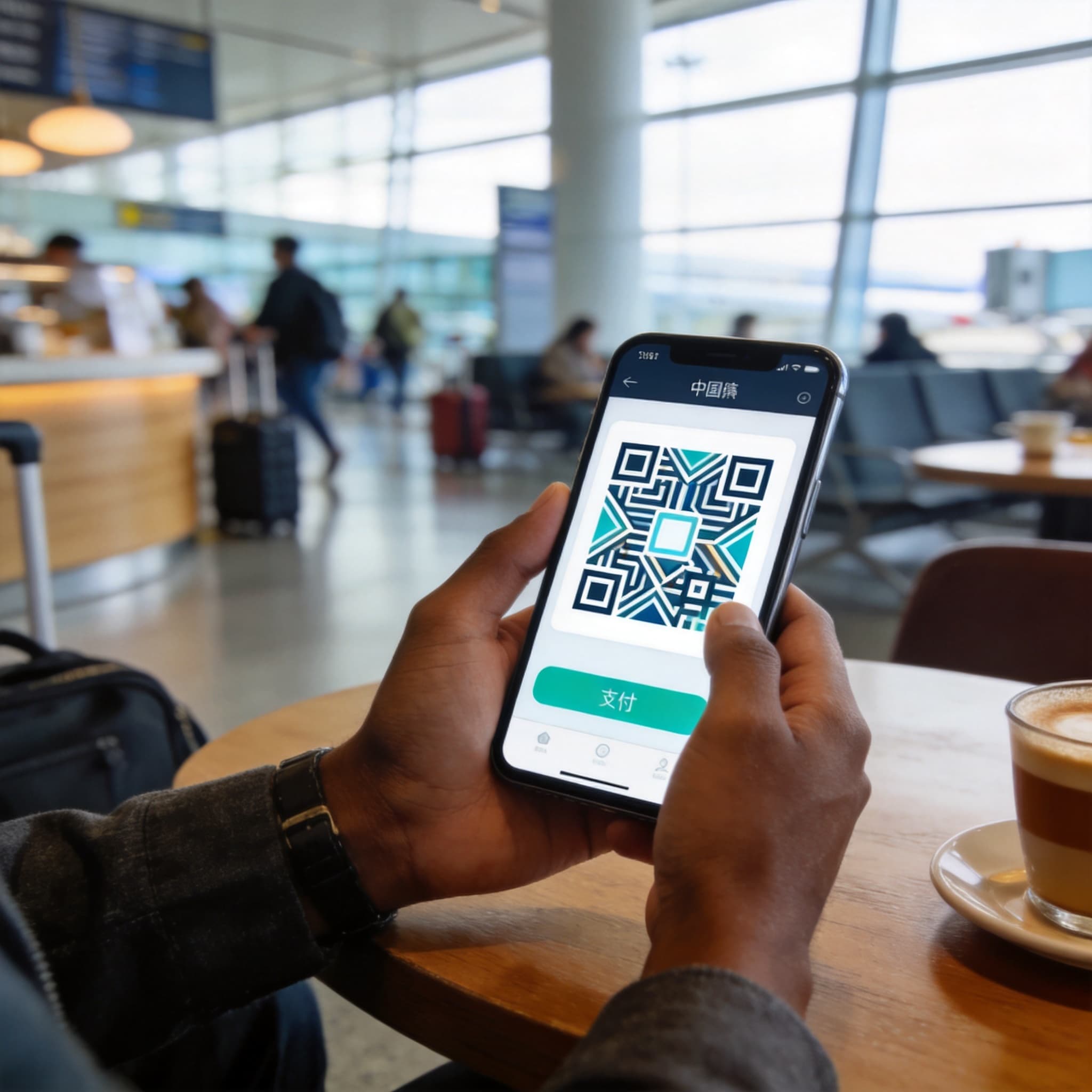
Overseas users can generally register with an international mobile number, complete identity verification and link an eligible international bank card. Payments can then be made by scanning a merchant’s QR code or displaying a personal payment code for the cashier to scan.
Alipay may also provide access to:
- Ride-hailing
- Public-transport services
- Attraction tickets
- Food delivery
- Bicycle rental
- Hotel services
- Travel mini programs
The availability of these functions can depend on your location, account status and app version.
How to Prepare Alipay
- Download the official Alipay app.
- Register with a phone number that can receive verification messages.
- Complete identity verification if requested.
- Add an eligible international debit or credit card.
- Add a second card from another issuer if possible.
- Confirm that your bank permits international online transactions.
- Test the payment process with a low-value purchase after arrival.
To pay, you will normally use one of two methods:
- Tap Scan and scan the merchant’s QR code.
- Open Pay and let the merchant scan your payment code.
Always confirm the merchant’s name, transaction amount and selected card before approving payment.
WeChat Pay: Best Backup Wallet
WeChat Pay, also known as Weixin Pay, is worth preparing even if Alipay is your primary wallet.
International visitors can generally register with an overseas phone number and link an eligible international bank card for ordinary merchant purchases in mainland China.
Some functions may remain restricted for international-card users, including:
- Person-to-person transfers
- Red packets
- Certain wallet-balance features
- Some financial services
Why install both Alipay and WeChat Pay?
A particular card, merchant QR code or security check may work in one wallet but not the other. Having two functioning payment apps provides valuable redundancy when you are paying for a hotel, meal or transport service.
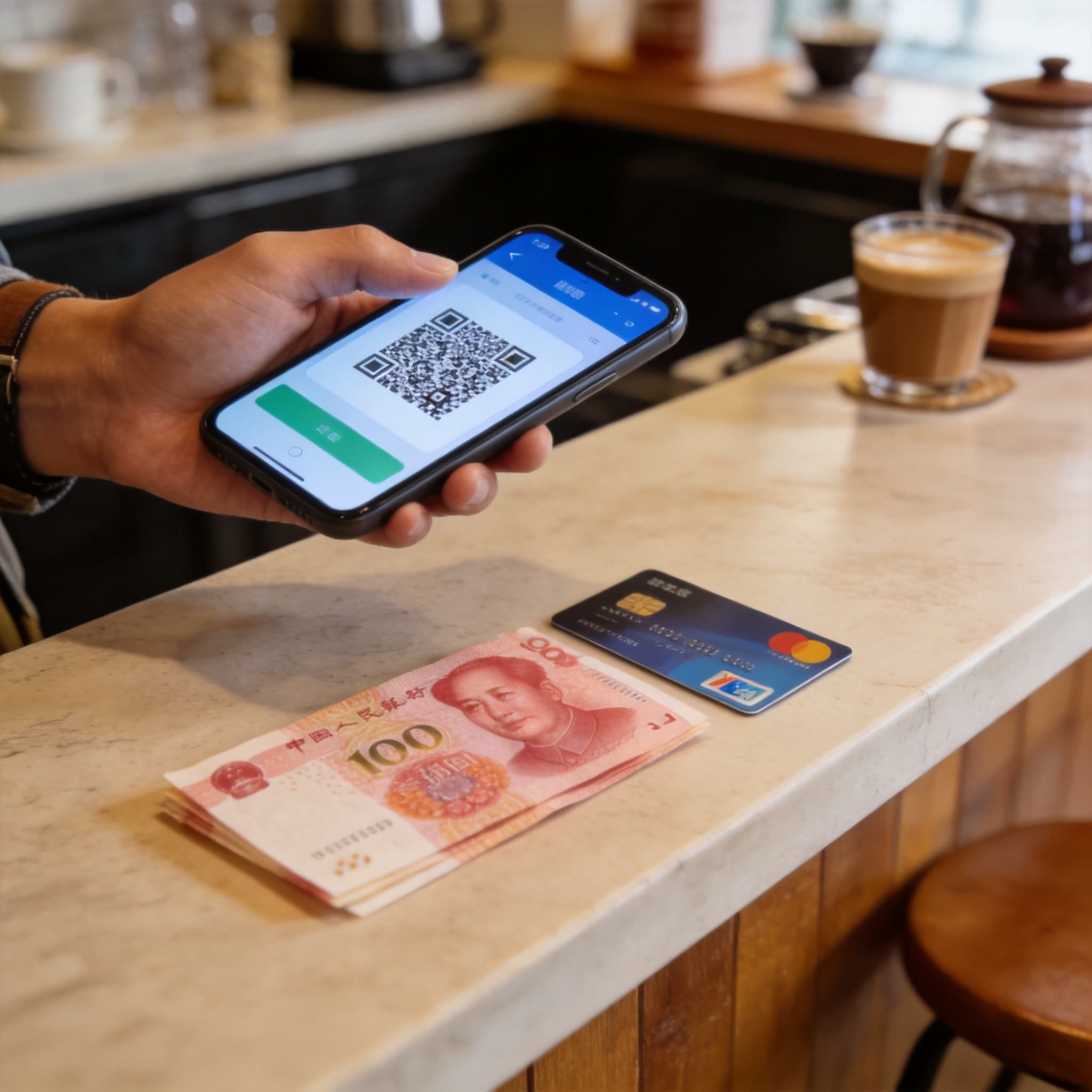
Keep Cash and a Physical Card
Mobile payment should be your main method, not your only method.
Carry a modest amount of RMB cash for:
- Network outages
- A dead phone battery
- Payment-account restrictions
- Small vendors
- Rural locations
- Merchants that cannot process your linked card
Keep a physical bank card for:
- Hotels
- Larger retailers
- Airports
- Department stores
- ATM withdrawals
- Emergency payments
Do not assume that every small business can process a foreign card directly.
5. Best Ride-Hailing Apps
DiDi: Best for Ride-Hailing
DiDi can reduce language difficulties because you enter your pickup point and destination directly in the app. It may be available as a standalone application or through a mini program inside Alipay or WeChat.
Before confirming a ride:
- Check the pickup point carefully.
- Confirm the destination.
- Review the estimated fare.
- Check the vehicle’s license plate.
- Match the vehicle and driver information shown in the app.
- Avoid entering a vehicle that does not match the booking.
Save your hotel’s Chinese name and address in case you need to communicate with the driver.
The pickup point can be confusing at airports, shopping centres and railway stations. Pay attention to details such as:
- Terminal number
- Floor
- Gate
- Parking area
- North or south entrance
- Designated ride-hailing pickup zone
AMap Taxi Service
AMap also includes taxi and ride-booking functions, making it a practical alternative if you prefer to keep navigation and ride-hailing in one app.
It may allow you to compare estimated routes or request vehicles through available local providers.
6. Metro and Public-Transport Apps
AMap can plan metro and bus journeys in major Chinese cities. It normally shows:
- Walking directions to the station
- Metro or bus lines
- Transfer stations
- Estimated journey time
- Station exits
- Walking directions from the final station
A dedicated metro app can still be useful if you want a simple network diagram. Choose one that:
- Supports English
- Works offline
- Covers all cities on your itinerary
- Clearly shows transfer stations
- Includes updated route information
In some cities, Alipay or WeChat may provide a transport QR code. Activation procedures and international-card compatibility can vary by city.
Do not assume that an overseas contactless bank card will work directly at every metro gate or bus reader.
7. WeChat for Communication and Mini Programs
WeChat is not only a messaging app. In China, it is also used for:
- Hotel communication
- Tour operator messages
- Restaurant bookings
- Customer service
- Payment
- Attraction mini programs
- Transport services
- Sharing locations
- Scanning service QR codes
Many Chinese businesses communicate more actively through WeChat than through email.
Before departure:
- Download the official WeChat app.
- Register using a functioning phone number.
- Add important contacts when available.
- Enable account-recovery and security settings.
- Set up WeChat Pay as a backup payment method.
Mini programs inside WeChat can be extremely useful, but some may require additional identity verification, a Chinese phone number or local payment support. Do not rely on a specific mini program until you have tested it.
8. Connectivity: Roaming, eSIMs and Local SIM Cards
Most essential China travel apps depend on mobile data. You should arrange a reliable connection before arrival.
Common options include:
- International roaming from your home carrier
- A compatible travel eSIM
- A mainland Chinese SIM card
- Portable Wi-Fi
- Hotel and public Wi-Fi as a secondary option
Before choosing a plan, confirm:
- Whether it works in mainland China
- How much high-speed data is included
- Whether hotspot sharing is permitted
- Whether SMS messages can be received
- Whether voice calls are included
- Whether your phone supports the necessary network bands
- Whether your device is unlocked
- Whether the plan begins immediately or upon arrival
Do not build your trip around airport or hotel Wi-Fi alone. Identity checks, card verification, train changes, ride-hailing and live navigation may require a stable connection while you are away from your hotel.
International roaming can sometimes provide different access conditions from a local connection, but availability varies by carrier and plan. Check directly with your provider before departure.
9. What to Set Up Before You Fly
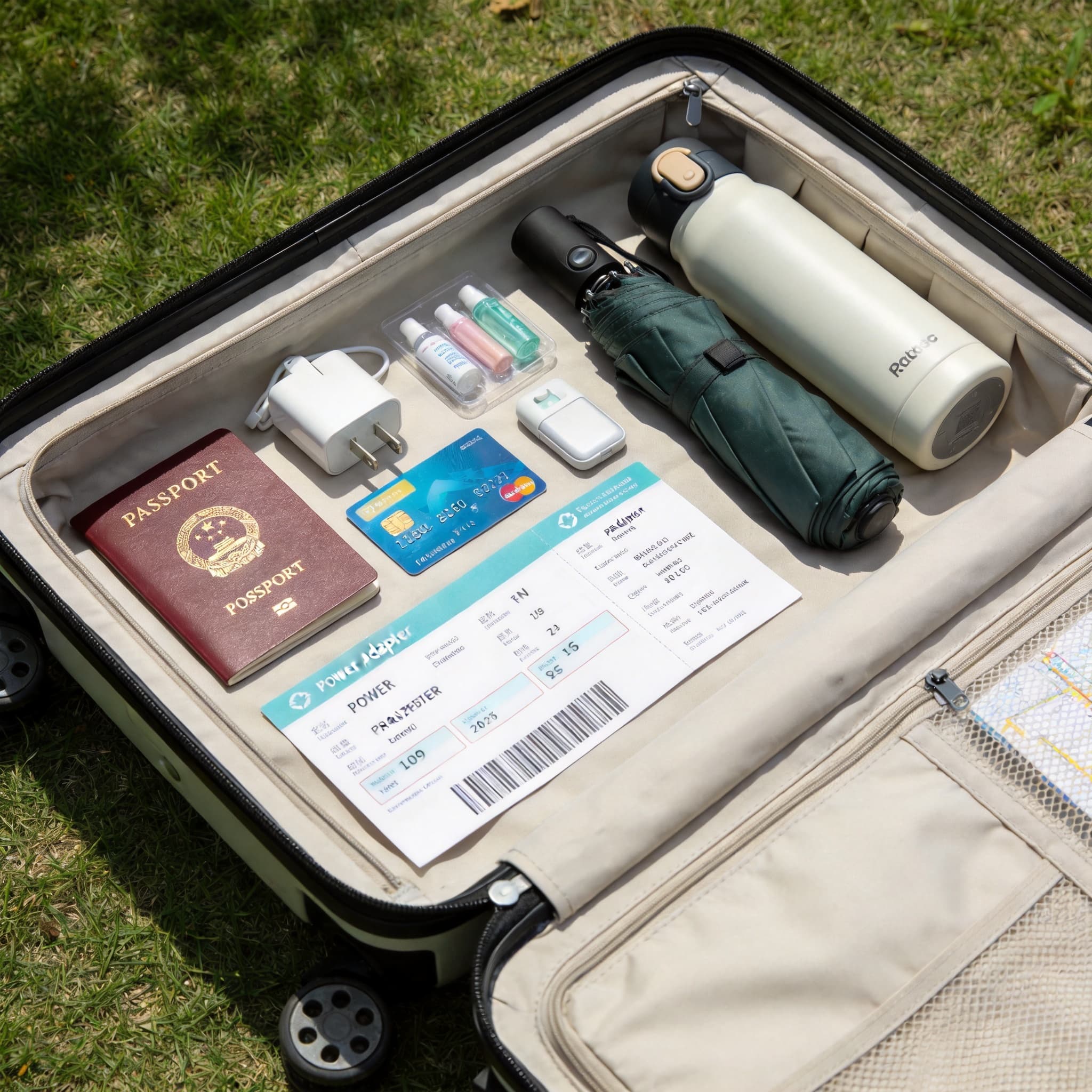
Complete this checklist while you still have reliable home internet:
- [ ] Install AMap Global.
- [ ] Save every hotel using its Chinese name and address.
- [ ] Download an offline map for each destination.
- [ ] Install a translator.
- [ ] Download Simplified Chinese for offline translation.
- [ ] Test camera, voice and offline translation.
- [ ] Install Pleco as a dictionary backup.
- [ ] Register for Railway 12306.
- [ ] Install Trip.com as a backup.
- [ ] Verify your passport name and number in every booking profile.
- [ ] Set up Alipay.
- [ ] Add an eligible international card.
- [ ] Set up WeChat Pay as a backup.
- [ ] Confirm international online transactions with your bank.
- [ ] Prepare mobile data for mainland China.
- [ ] Confirm that your phone can receive verification messages.
- [ ] Carry a modest amount of RMB cash.
- [ ] Bring at least one physical backup card.
- [ ] Save screenshots of bookings and hotel addresses.
- [ ] Download important documents for offline access.
- [ ] Pack a power bank and charging cable.
10. What to Save Offline
Mobile data can fail, phones can run out of power, and accounts can temporarily require verification. Save the following information offline:
- Passport information page
- Visa or visa-free entry documents, if relevant
- Travel insurance details
- Hotel confirmations
- Hotel names and addresses in Chinese
- Train booking details
- Flight details
- Attraction reservations
- Emergency contact numbers
- Embassy or consulate contact information
- Allergy and medical notes in Chinese
- Screenshots of important routes
- Copies of payment and booking receipts
Keep sensitive documents in secure storage rather than leaving them in an unprotected photo gallery.
11. The Best Minimal Setup
If you want the shortest possible app list, use the following combinations.
For iPhone Travelers
- AMap Global — detailed local navigation
- Apple Maps — familiar navigation backup
- Apple Translate — camera, voice and offline translation
- Pleco — precise Chinese word lookup
- Railway 12306 or Trip.com — train booking
- Alipay — primary payment wallet
- WeChat — backup payment and communication
- DiDi — ride-hailing, if not accessed through Alipay
For Android Travelers
- AMap Global — main navigation
- Organic Maps — offline navigation backup
- A camera translator with offline Chinese — menus and conversations
- Pleco — dictionary and pronunciation
- Railway 12306 or Trip.com — train booking
- Alipay — primary payment wallet
- WeChat — backup payment and communication
- DiDi — ride-hailing, if not accessed through Alipay
12. Common App Problems and Solutions
The App Will Not Send a Verification Code
- Confirm that your phone number includes the correct country code.
- Check whether your phone can receive international SMS messages.
- Disable SMS filtering temporarily.
- Wait before requesting another code.
- Contact your mobile carrier if messages remain blocked.
- Avoid requesting too many codes in a short period.
My International Card Will Not Link
- Check that international online transactions are enabled.
- Confirm that the billing information is correct.
- Enter your name exactly as requested.
- Ask your bank to authorize the card-binding request.
- Try a card from another issuer.
- Switch between Alipay and WeChat Pay.
- Contact the payment platform through its official support channel.
The Map Cannot Find My Destination
- Search using the Chinese name.
- Paste the complete Chinese address.
- Ask your hotel or host to share a map pin.
- Search for a nearby landmark or metro station.
- Compare the result with another map before starting the journey.
My Train Booking Is Not Confirmed
- Check whether the app shows an issued ticket rather than only a submitted request.
- Confirm that your passport information is correct.
- Review the departure station and time.
- Check whether the booking is on a waiting list.
- Contact the booking platform if the status remains unclear.
The Translation Does Not Make Sense
- Use shorter sentences.
- Avoid slang, idioms and complex grammar.
- Translate one instruction at a time.
- Use Pleco to check important individual words.
- Show the original text and translated text together.
- For allergies or medical needs, use a professionally prepared written note.
A Payment App Stops Working
- Check your mobile-data connection.
- Restart the app.
- Confirm that the selected card is still valid.
- Try the second payment wallet.
- Use another physical card.
- Pay with RMB cash.
- Contact your bank if repeated declines occur.
13. Security and Privacy Tips
Use only official app stores and official versions of travel applications.
Protect your accounts by enabling:
- A strong phone passcode
- Biometric authentication
- Transaction notifications
- Device-location services
- Remote device locking
- Account-recovery options
Never share:
- Your card PIN
- Your card’s security code
- Your payment password
- SMS verification codes
- Account-recovery codes
- Your complete passport image with an unknown contact
Before scanning a QR code, check that it belongs to the intended merchant or service. When paying, verify the merchant name and amount before approving the transaction.
If your phone or bank card is lost:
- Lock the device remotely.
- Contact your card issuer.
- Freeze or remove affected payment cards.
- Contact the payment platform.
- Change important account passwords.
- Report the loss to local authorities if necessary.
Final Advice
China’s travel apps are powerful, but preparation matters more than the number of apps you download.
Set up identity verification and payments before departure, save destinations in Chinese, prepare offline backups and never depend on a single wallet, map or bank card.
For most visitors, the best practical combination is:
- AMap Global for local navigation
- A camera-enabled translator plus Pleco for language assistance
- Railway 12306 with Trip.com as a backup for train tickets
- Alipay with WeChat Pay as a backup for everyday payments
- DiDi or AMap for ride-hailing
- RMB cash and a physical card for emergencies
- Reliable mobile data and a power bank to keep everything working
With these tools prepared before departure, navigating cities, communicating with local people, booking trains and paying for everyday expenses in China should become much more straightforward.
Advertisement
ChinaTravel Editorial Desk
Maintains practical destination and trip-planning information for English-speaking visitors. Time-sensitive details should be checked with official sources.
Compare Current Trip Options
Check live availability and the provider's current terms before booking.
Compare China Trip OptionsSponsored link — we may earn a commission at no extra cost to you.