

1. What You Need Before Getting Started
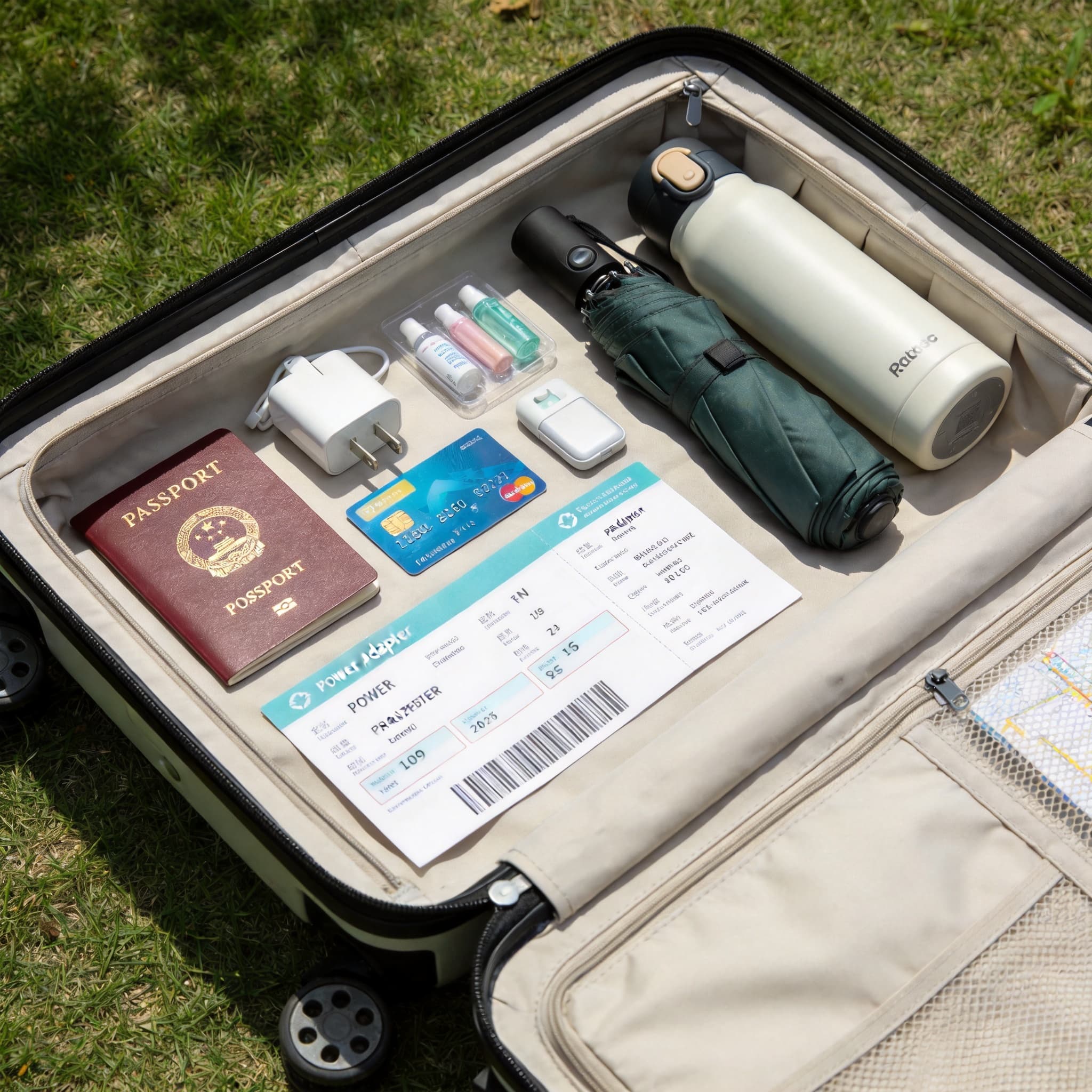
Before setting up Alipay, prepare the following:
-
Alipay App
Download and update the latest version of the Alipay app on your phone. Register and log in using your mobile number (international phone numbers are supported). -
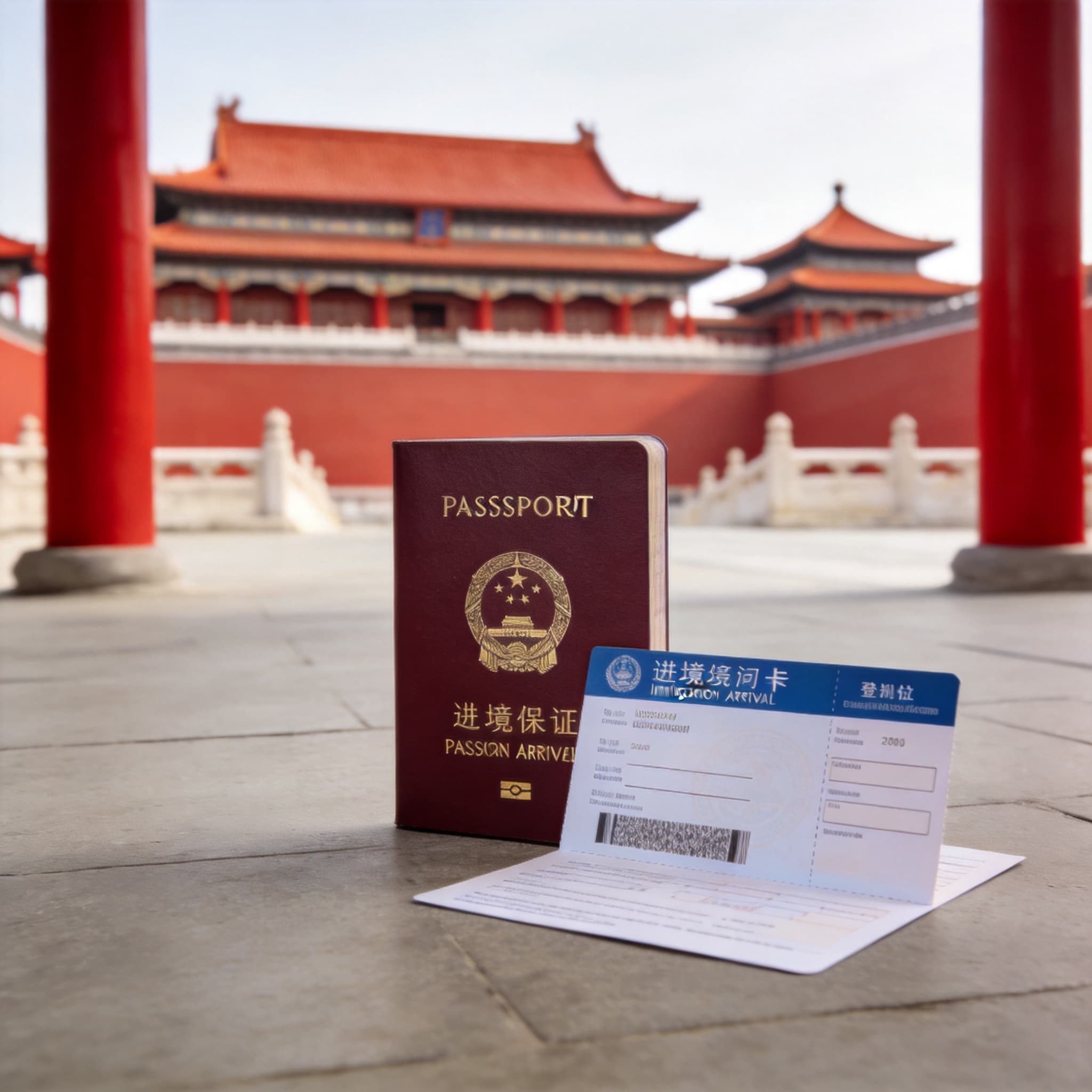
Valid Identification Document (choose one)
- Passport (for overseas users)
- Mainland Travel Permit for Hong Kong, Macau, and Taiwan Residents (passport may also be used)
- Foreign Permanent Resident ID Card
-
International Bank Card
Major international credit and debit cards are supported, including Visa, Mastercard, JCB, Discover, and Diners Club. -
A Mobile Number That Can Receive SMS Messages
International phone numbers are supported.
2. Step-by-Step Guide to Setting Up Alipay
Step 1: Complete Identity Verification
-
Go to the Identity Verification Page
Tap “Me” at the bottom → Settings icon (top right) → “Account & Security” → “Identity Information” → “Basic Information”. -
Fill in Your Personal Information
Follow the instructions to enter your name, gender, ID type, ID number, expiration date, occupation, address, and other required details. -
Upload Your ID Document Photos
Return to “Identity Information” → “Document Photos” and upload photos of your identification document (such as your passport).Note: Payments exceeding RMB 200 per transaction require identity verification.
Step 2: Add an International Bank Card
-
Open the Bank Card Binding Page
After registration, tap “Me” → “Bank Cards” → “Add Bank Card”. -
Enter Your Card Information
Input your card number, expiration date, CVV/CVC code, and issuing country. Accept the agreement to complete the setup.
3. Usage Restrictions and Important Notes
1. Available Functions
Foreign users can only access consumer payment functions. Features such as red packets, peer-to-peer transfers, and balance top-ups are not supported.
2. Transaction Limits
- Maximum amount per transaction: RMB 5,000
- Daily fee-free transaction limit: RMB 20,000
3. Service Fees
- Transactions ≤ RMB 200: No service fee
- Transactions > RMB 200: 3% service fee applies
(The fee will be refunded proportionally if the transaction is refunded.)
4. Exchange Rates
Exchange rates are based on the real-time rates provided by international card networks or your issuing bank.
4. Quick Guide to Using Alipay in China
There are two main ways to pay with Alipay in China:
-
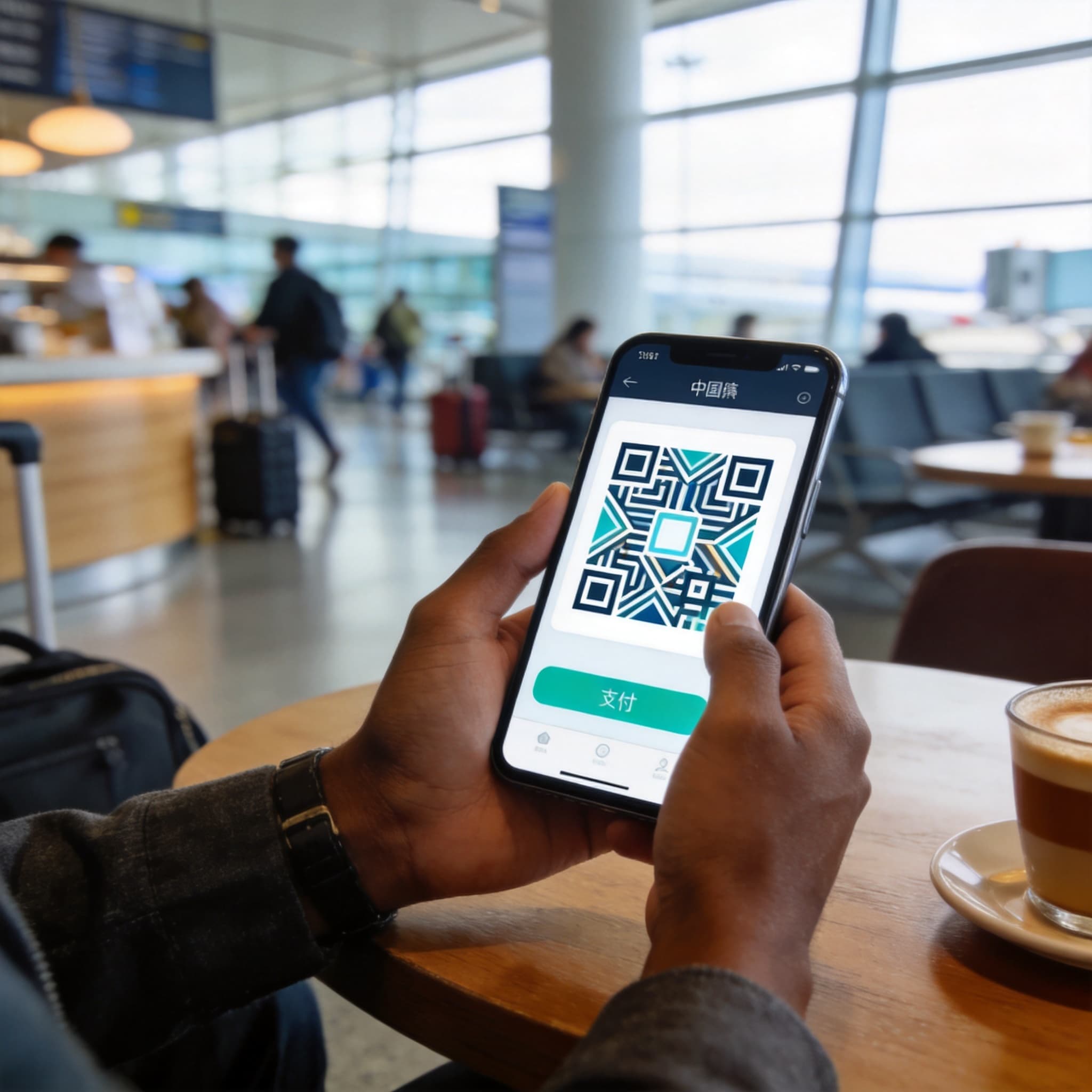
Scan-to-Pay
Tap “Scan” on the homepage and scan the merchant’s QR code to complete payment. -
Show Your Payment Code
Tap “Pay/Receive” on the homepage and show your payment QR code to the merchant for scanning.
5. FAQs
Q1: What should I do if identity verification fails?
A:
- Make sure your name format matches your passport exactly (Surname + Given Name)
- Upload both the passport information page and visa page (if applicable)
- Contact customer support for manual verification: +86 571 2688 6000
Q2: My account has been frozen due to risk control. How can I unlock it?
A:
Submit your passport, entry stamp, and proof of address in China (such as a hotel booking or rental agreement). Manual review usually takes 3–5 business days.
Q3: Can I withdraw my Alipay balance to an overseas bank account?
A:
No. Funds added via foreign bank cards can only be used for spending and cannot be withdrawn.
Customer Support
- Alipay Official Customer Service Hotline: +86-95188
- English Customer Service Hotline: +86-571 2688 6000
(If calling from a Chinese phone number, dial 0571 2688 6000.)
Advertisement
ChinaTravel Editorial Desk
Maintains practical destination and trip-planning information for English-speaking visitors. Time-sensitive details should be checked with official sources.